 SecOceans
February 26, 2021
USB Data Recovery
By Mr Singh
Hello Everyone,
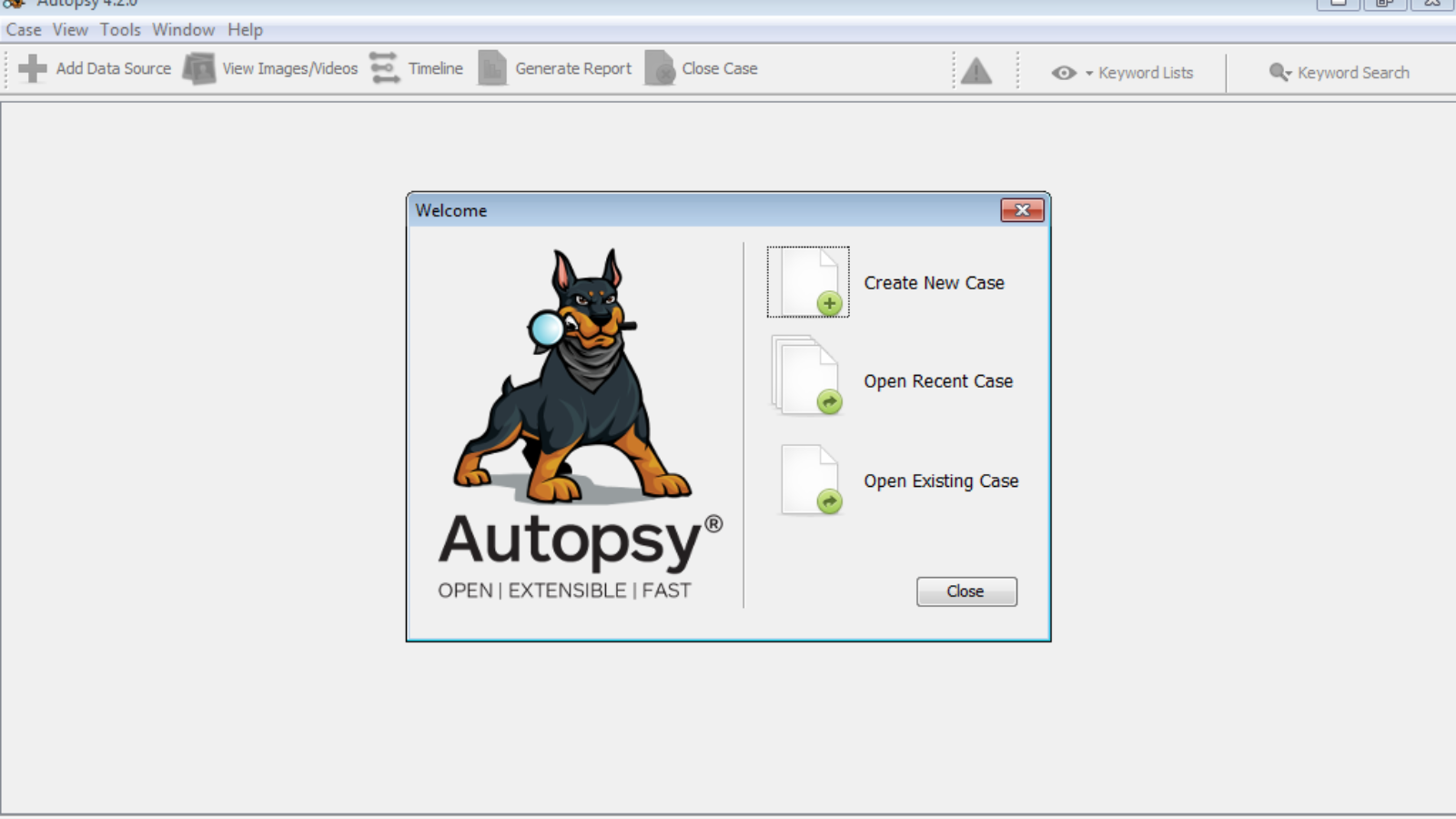
In this blog, we discuss USB data recovery with the Autopsy tool. Autopsy is an open-source forensic platform used to recover lost or deleted data. It's a fast, well-planned, exhaustive hard drive investigation tool that evolves with your needs, first released in 2000. It has many features including registry analysis, keyword search, email analysis, media playback, multi-user cases, timeline analysis, malicious file detection, and much more.
Installation: Autopsy is easy to install — download and run the Autopsy MSI installer file, then follow the installation instructions.
How to use: run Autopsy and click New Case. Fill in the case details — case name and directory to save the case file — then click Next. Add optional information like case number, then click Finish.
Choose the data source type — in this example, Local Disk — then click Next, and select the specific data source (the physical USB drive) for the investigation.
Select the required ingest modules and click Next. Adding the data source takes some time — be patient.
Once the data source is added, click Finish. With all modules ingested, you can start investigating — open the data source and check for deleted files. In this example, a lot of deleted files were found.
You can open deleted files one by one, and save them as needed. That concludes this USB data recovery tutorial with Autopsy for digital investigation.
Thanks For Reading!